Member Login FAQs

Welcome to the new WMRR website

We’ve made some changes to improve your online member experience. If you’re an existing WMRR member, your membership and account details have already been transferred to the new website.

Before logging in for the first time, you’ll need to set a new password.

Use the FAQs below for help accessing your account and navigating the new website.

Why do I need to reset my password?

WMRR has launched a new website and member portal. As part of this transition, existing member passwords have not been transferred to the new system. You will need to create a new password before logging in for the first time.

No. If you are an existing WMRR member, your account and membership details have already been transferred to the new website. You only need to set a new password.

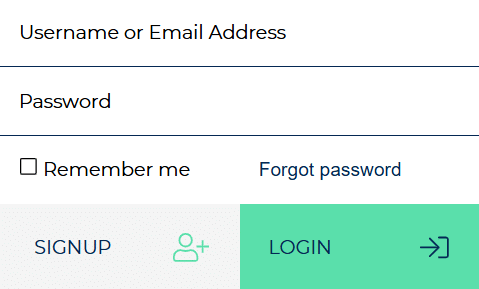
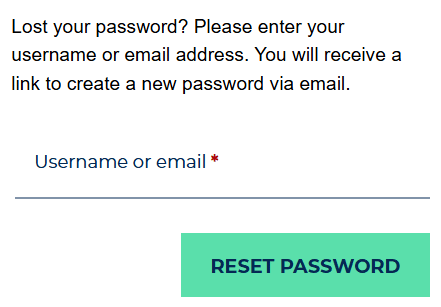
Select Forgot Password, or Lost Your Password? on the Member Login page and enter the email address associated with your WMRR membership. You will receive an email with a link to create a new password.

Use the email address currently associated with your WMRR membership. This is generally the email address where you receive WMRR member communications.

Please allow a few minutes for the email to arrive and check your junk or spam folder. If you still haven’t received it, confirm that you entered the email address associated with your WMRR membership.

If you’re still having trouble, please contact the WMRR team for assistance.

Once your new password has been created, you can log in to the WMRR website using your usual email address and new password.

No. Resetting your password only changes your website login credentials. Your existing WMRR membership and account details will remain the same.

If you’re unable to reset your password or access your member account, please contact the WMRR team and we’ll be happy to assist.